
RGBA HTML Color Picker Tool
List of Best Color Palettes Collection
Related Post

Table of Contents
Choosing the perfect color is a critical aspect of web design, graphic design, and digital content creation. The RGBA HTML Color Picker Tool is a powerful, user-friendly solution that allows designers, developers, and artists to effortlessly select, customize, and implement colors in their projects. Whether you're working on a website, mobile app, or digital artwork, this tool provides precise control over RGBA (Red, Green, Blue, Alpha) color values, ensuring seamless integration with HTML, CSS, and other web technologies.
Why Use an RGBA Color Picker?
1. Perfect for Web & App Development
- RGBA is widely used in CSS, HTML, and JavaScript for styling elements with transparency.
- Unlike RGB, which only defines solid colors, RGBA includes an alpha channel for opacity control.
- Essential for creating modern, visually appealing designs with overlays, gradients, and translucent effects.
2. Precision & Customization
- Adjust colors with sliders, hex inputs, or visual selection.
- Fine-tune opacity (alpha value) from 0 (fully transparent) to 1 (fully opaque).
- Preview colors in real-time before applying them to your project.
3. Saves Time & Boosts Efficiency
- No more manual RGBA code guessing—get instant, accurate values.
- Copy-paste ready CSS/HTML snippets for quick implementation.
- Ideal for UI/UX designers, front-end developers, and digital artists.
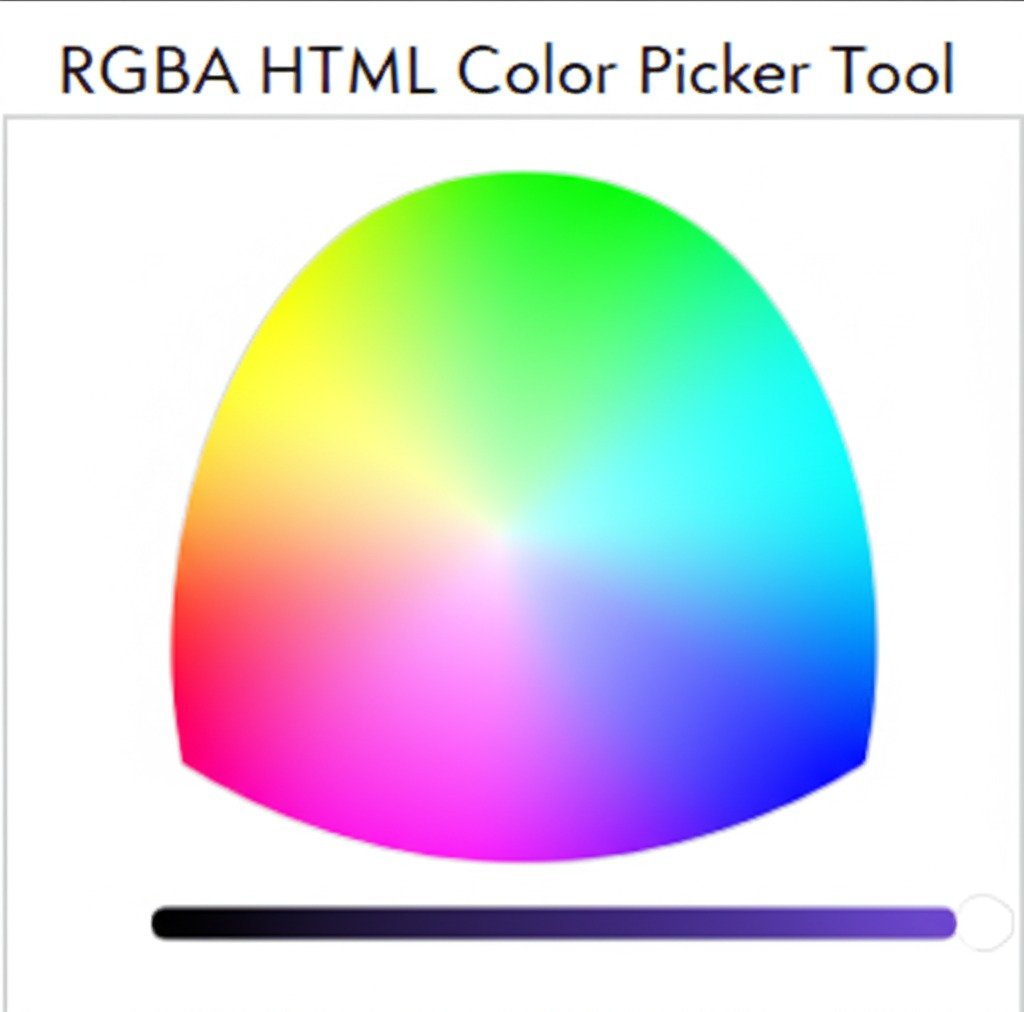
Key Features of Our RGBA HTML Color Picker Tool
1. Intuitive Color Selection Interface
- Visual color wheel for easy hue selection.
- RGB sliders for precise adjustments.
- Alpha (transparency) slider for opacity control.
2. Multiple Color Code Formats
- Generates RGBA, HEX, HSL, and HSLA values.
- Supports CSS-ready code snippets for direct use in stylesheets.
3. Real-Time Preview
- See how your selected color looks before applying it.
- Test transparency effects on different backgrounds.
4. Cross-Platform Compatibility
- Works seamlessly on desktop, tablet, and mobile.
- No installation required—100% web-based and free.
5. No Registration or Downloads
- Zero sign-ups—just open the tool and start picking colors.
- No ads or hidden fees, ensuring a distraction-free experience.
Who Can Benefit from This Tool?
1. Web Designers & Developers
- Perfect for styling buttons, backgrounds, overlays, and gradients in CSS.
- Helps maintain consistent branding across websites and apps.
2. UI/UX Designers
- Create sleek, modern interfaces with translucent elements.
- Test color accessibility and contrast ratios for better readability.
3. Graphic Designers & Digital Artists
- Ideal for digital illustrations, social media graphics, and branding materials.
- Experiment with transparency effects in logos and banners.
4. Students & Educators
- Learn color theory and web design principles hands-on.
- Useful for coding assignments and design projects.
How to Use the RGBA HTML Color Picker Tool
- Open the Tool – Access the color picker directly in your browser.
- Select a Color – Use the color wheel, sliders, or enter a HEX/RGBA value manually.
- Adjust Transparency – Drag the alpha slider to set opacity.
- Copy the Code – Instantly get CSS/HTML-ready RGBA values.
- Implement in Your Project – Paste the code into your stylesheet or design software.
Why Choose Our Tool Over Others?
✅ 100% Free & No Ads – No hidden costs or interruptions.
✅ No Registration Needed – Start using it immediately.
✅ Fast & Accurate – Real-time updates with no lag.
✅ Multi-Format Support – Get RGBA, HEX, HSL, and HSLA codes.
✅ Privacy-Focused – No data collection or tracking.
Enhance Your Design Workflow Today
Whether you're a developer, designer, or digital creator, having the right color selection tool is essential for professional results. Our RGBA HTML Color Picker Tool simplifies the process, giving you full control over color and transparency in just a few clicks.
Try it now and elevate your designs with pixel-perfect RGBA colors!